
Calorie tracking, without the data entry
Snap a photo of your meal, say what you ate, type it, or scan a barcode. CalForge works out the calories and macros, tracks your weight, and adjusts your daily target as you go.
Free on Google Play for Android, iPhone coming soon. No account needed to try it.Four ways to log a meal
Use whichever is fastest at the time. They all end up in the same place.
Photo
Point the camera at your plate. The estimate comes back with the items broken out, so you can correct anything that looks off.
Voice
Say what you had. Your phone’s speech recogniser turns it into text, and only that text is analysed.
Barcode
Scan the packet. Foods you have saved come back instantly; new products are looked up in Open Food Facts.
Text
Type it in plain language — “two eggs and black coffee”. Weights and portions are worked out for you.
Built to be honest about what it knows
Nutrition estimates are estimates. CalForge shows you the numbers it used so you can check them, and every entry stays editable.
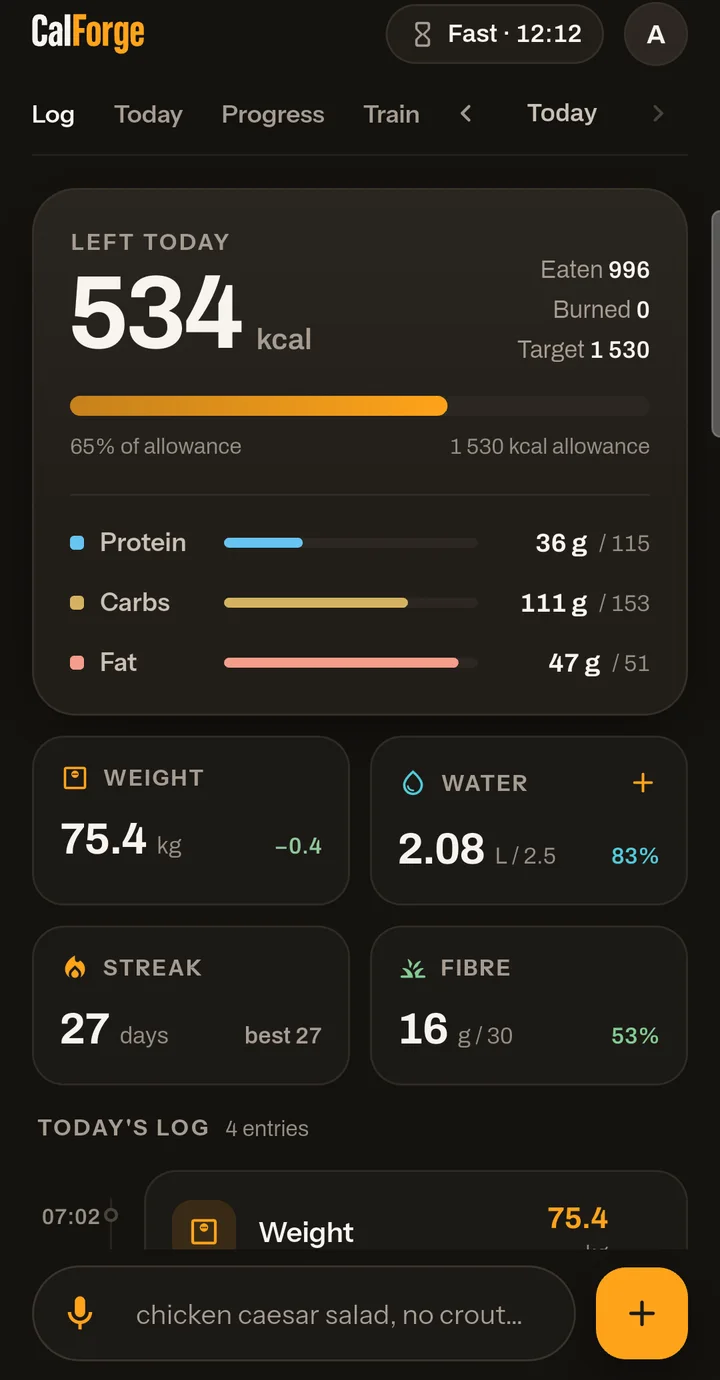
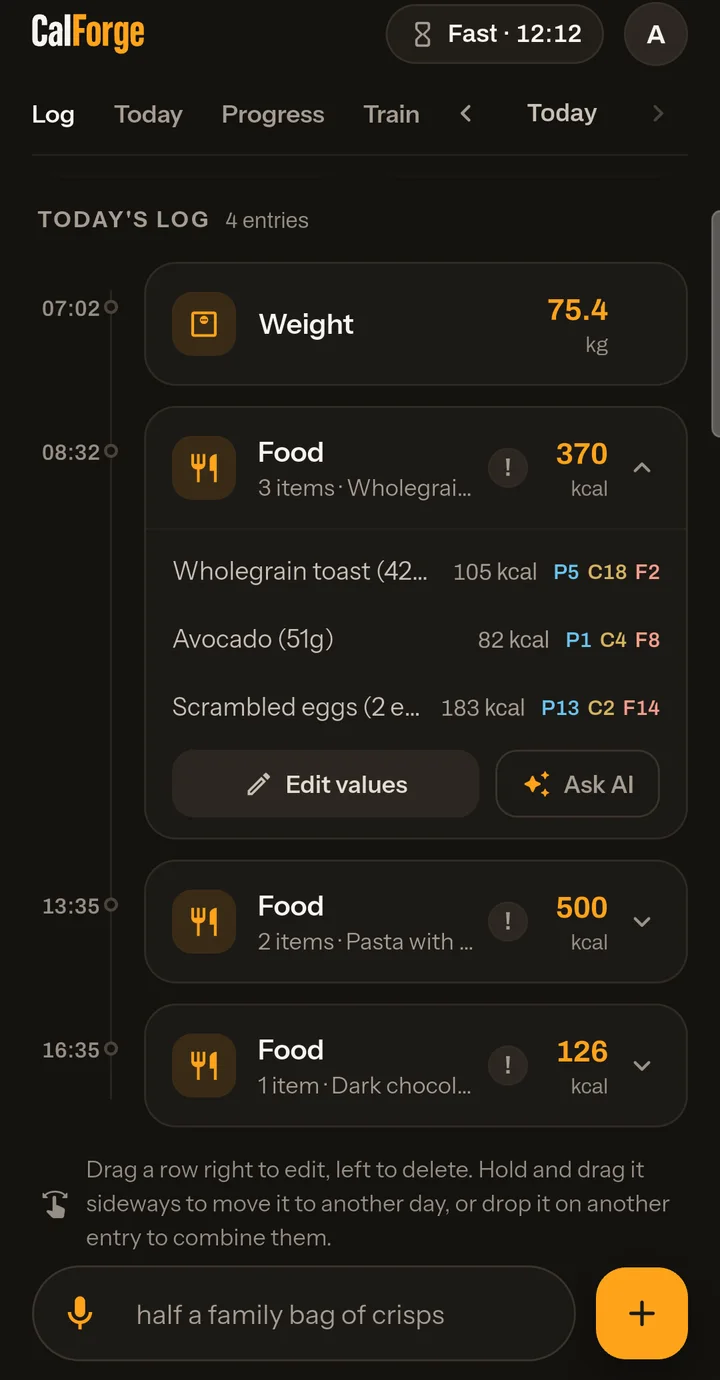
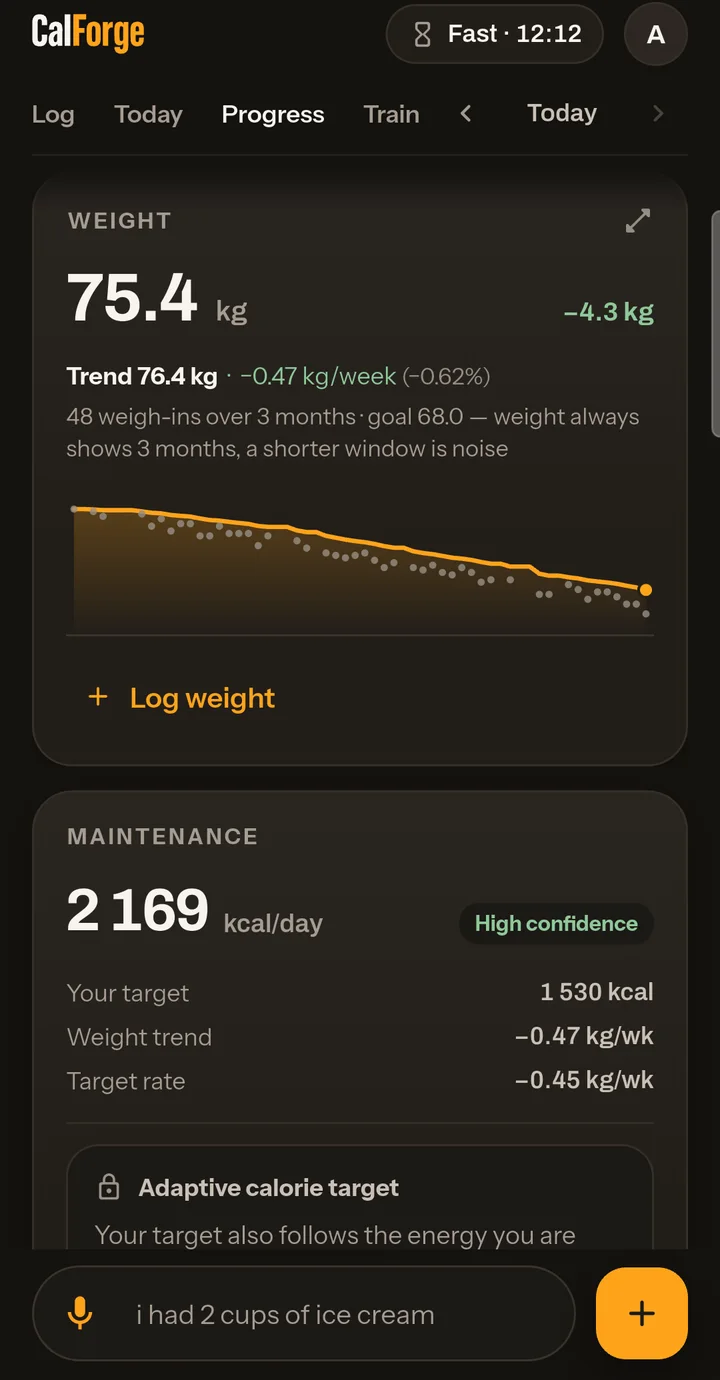
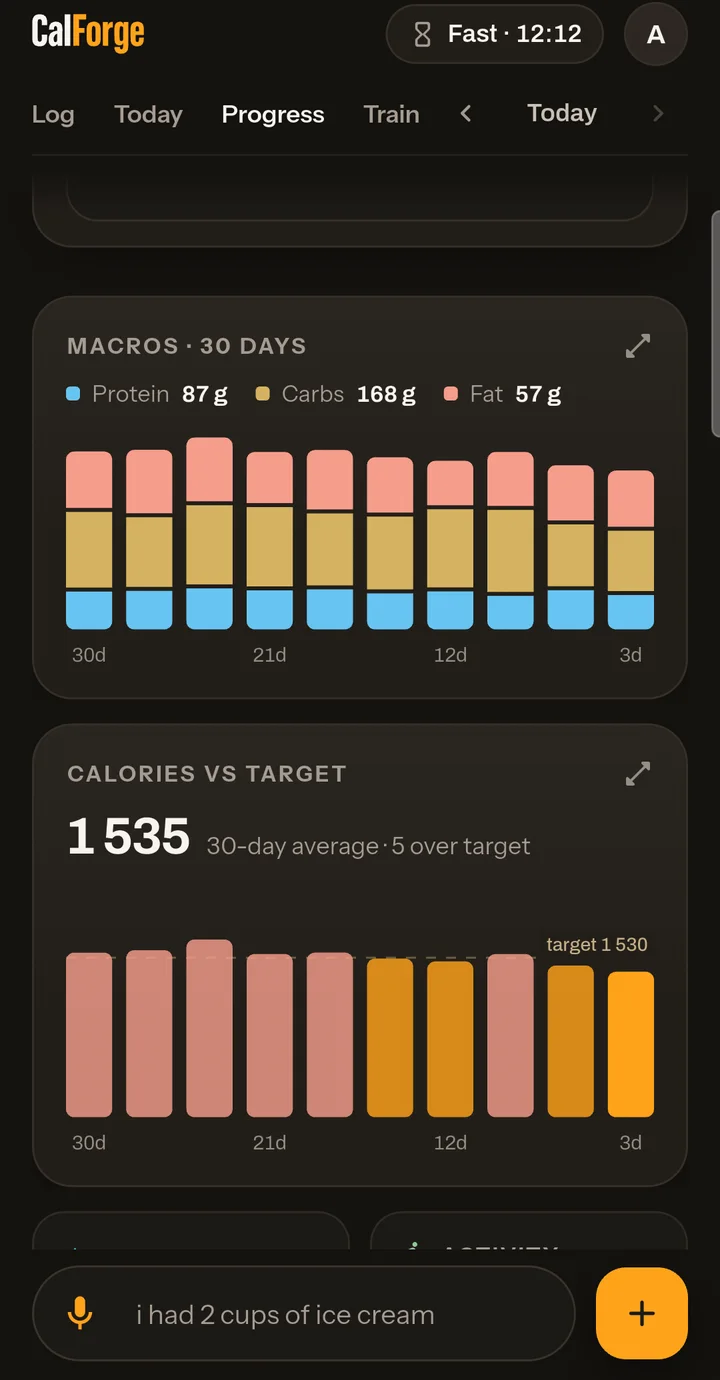
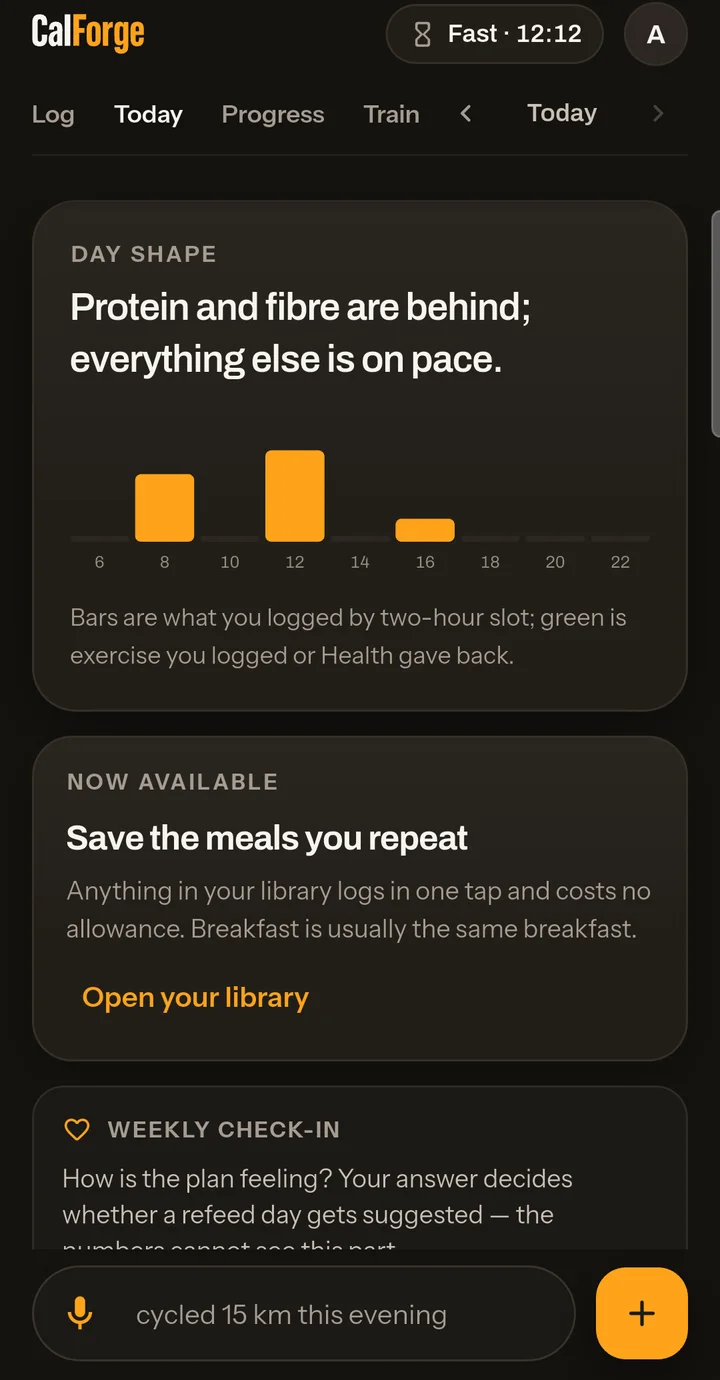
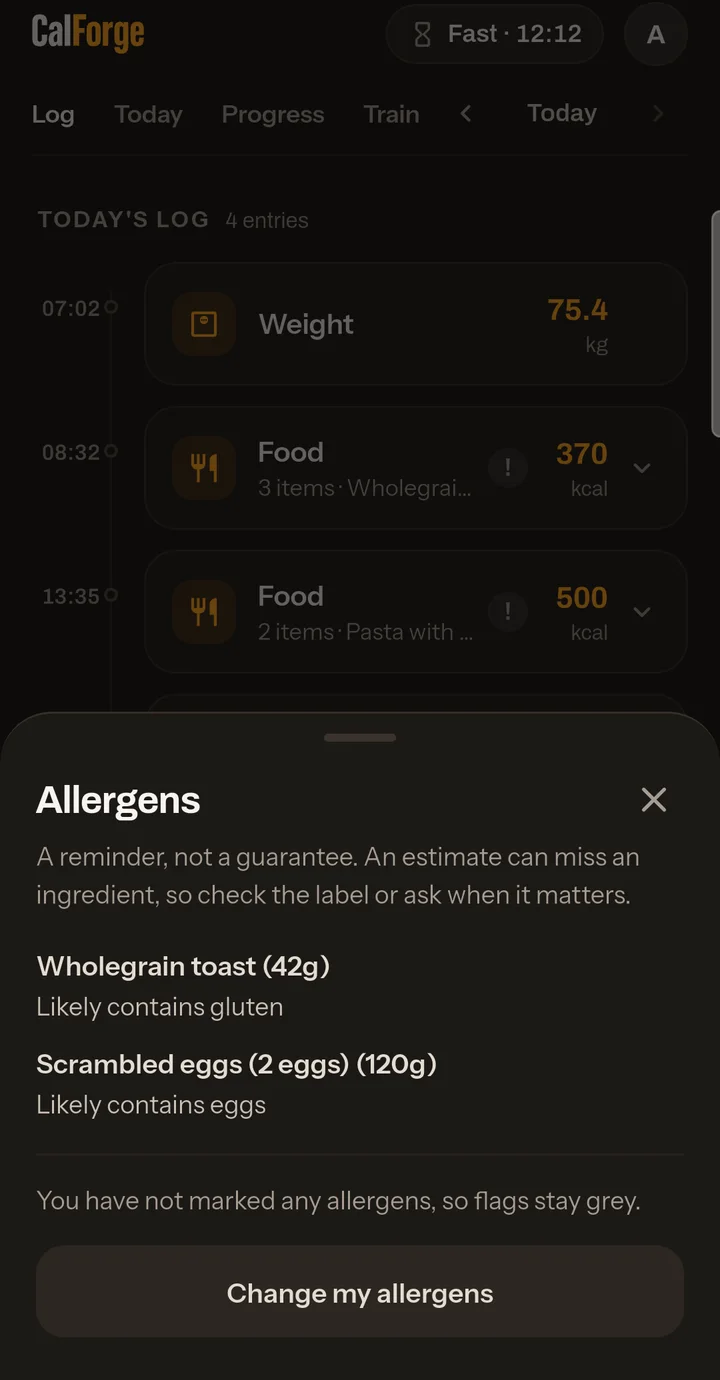
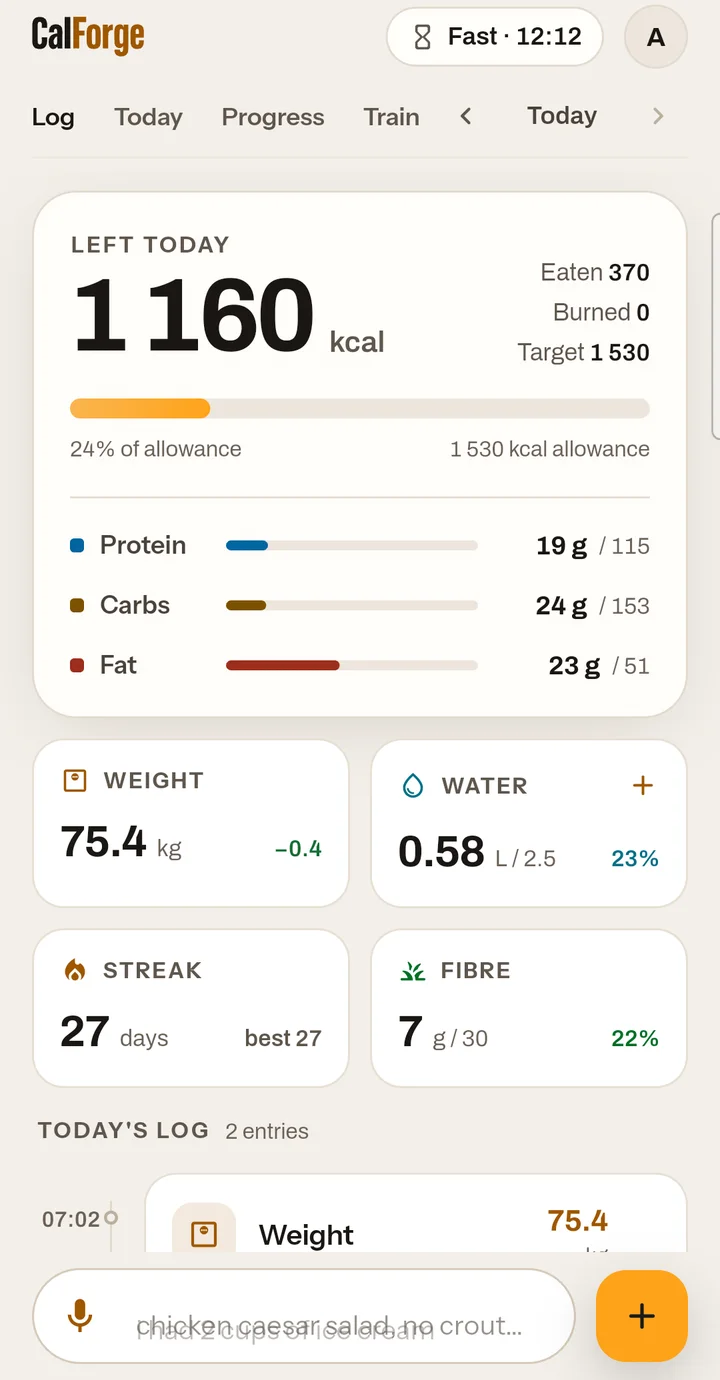
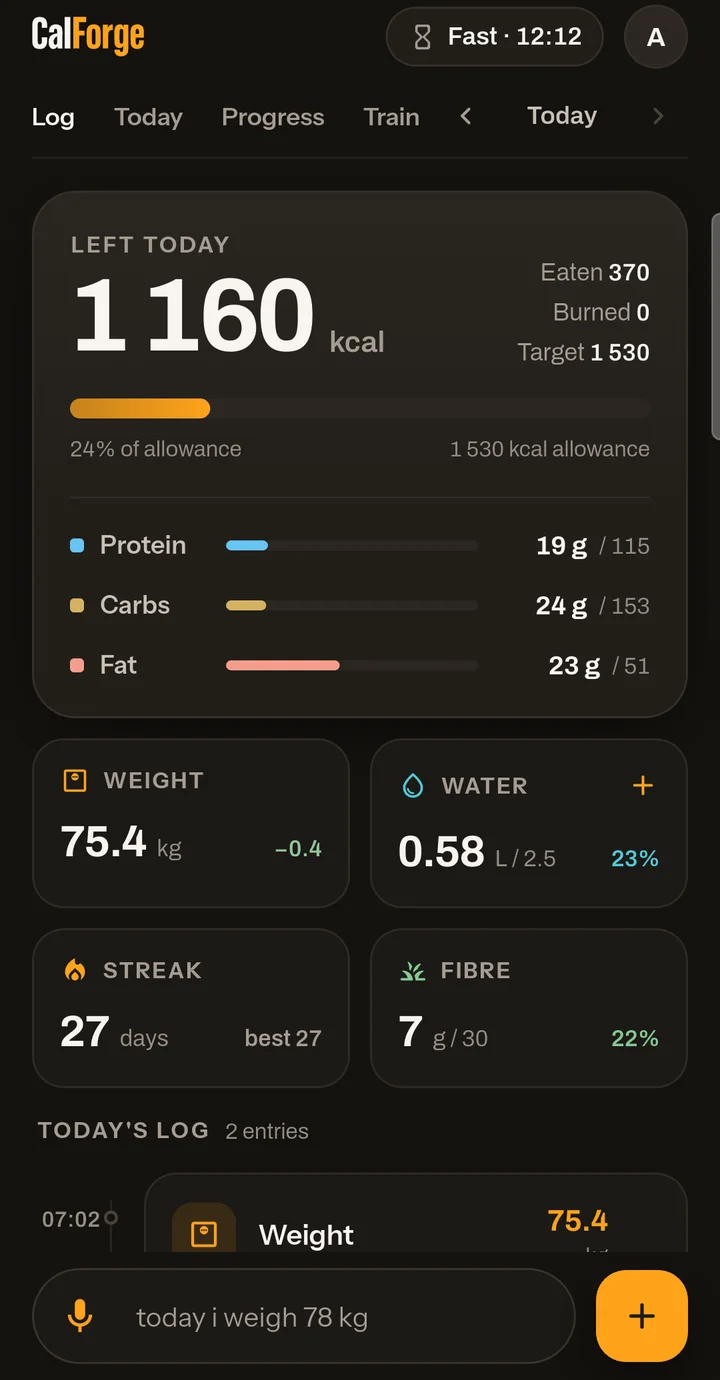
Light or dark. Your call.
CalForge follows your phone’s theme, or you can pick one in Settings. This page does the same — try the switch in the top corner.
Your data stays yours
No account needed to start. When you do make one, it lives in the EU and you can delete it with one tap.
Stored in the EU
Your account, weight history and food log live on servers in Ireland.
Photos are stored on your phone
Meal photos are kept on the device, not on our servers. They are sent for analysis only, with instructions not to keep them.
Delete it all, any time
One tap in the app removes your account and everything in it, permanently.
Get CalForge on Google Play
CalForge is out now on Android, and the iPhone version is on its way to the App Store. Install it free and log your next meal with one photo. No account needed to try it.
 App Store: coming soon
Follow CalForge
Short videos on logging meals faster, plus what’s new in each update. Some of our videos use AI-generated presenters, and they are always labelled.